Joe Cieplinski





My short review of the YouTube app on visionOS: It’s polished and perfectly nice. Hope they add some of the obvious missing features. But even if they don’t, I’m still very glad to have it.
The number one thing they got right: not assuming I automatically want to be immmersed in whatever I’m watching. Just play the video and let me throw it in a corner somewhere. I have environments if I want to go distraction free and watch something deep. YouTube isn’t always about deep.
And to the rest of you who are completely ignoring the platform: it’s really not hard to make your modern SwiftUI or UiKit based app native on visionOS. I’ve shipped three apps in the past year alone with maybe a few days worth of extra work for each.
No, it’s not going to make you a ton more money. But you aren’t making indie apps for money anyway, right? You are crafting the best experiences. And iPad apps on visionOS, while wonderful to have, are not the best possible experiences.
I get most Apple nerds have written off Vision Pro, because they either never bought one or never use the one they bought.
But from one of the few who uses mine almost daily, let me just say, “Thanks, Google. And the whole YouTube team.” This is much appreciated.
Text is cheap. Image generation costs real tokens. That’s your order of magnitude, I’m thinking.
All those power plants they want to build in space? That’s for video. We don’t need much more power for text than we already have.

Editors get paid good money for a reason.
“Unedited” is another word for lazy.
Only someone who has little to no respect for their audience would present anything unedited.

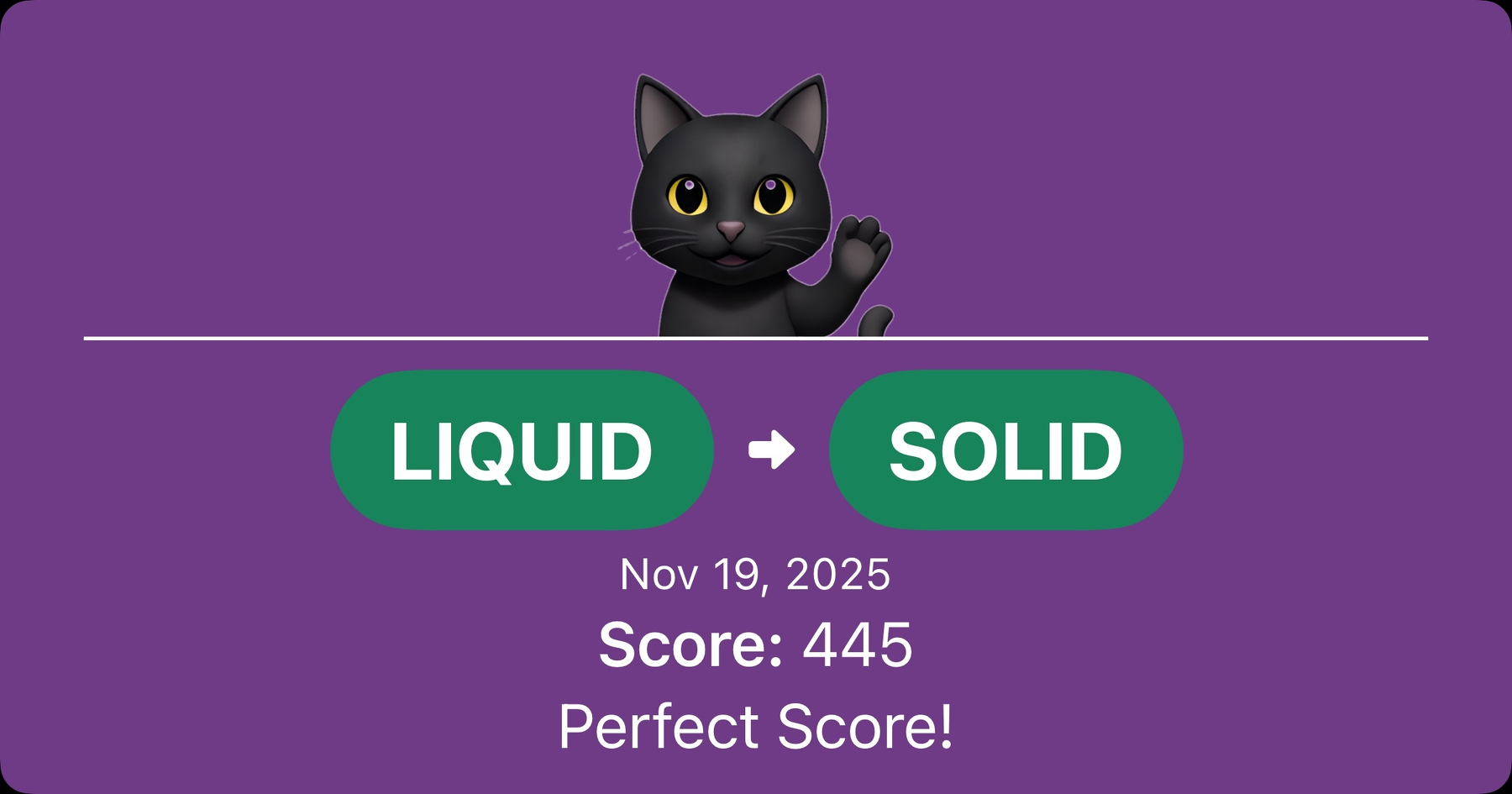
Just in time for the holiday, if you happen to be traveling over the next few days and want to kill some time, my new game, Wordfluence, is now available for free on the App Store.
I’d love it if you checked it out. Daily puzzles. Free to play. (You only pay if you want to cheat.)
This was a lot of fun, and I’m happy to be able to launch it as a native app on iPhone, iPad, Mac, and Vision Pro simultaneously.

Been working on a little daily word game. Hoping to release soon. If you’d like to check it out pre-release, TestFlgiht link is below.
testflight.apple.com/join/aPnP…
This is required viewing for anyone who wants to be a manager or run their own company.
Damn, I miss Steve.
I feel like every AI “friend” product that gets built needs to have a disclaimer where they show the people who actually programmed it, who haven’t showered or slept in a month, living in the office, with zero friends and a less than no social life.
Yes, because when I’m feeling socially awkward, I turn to the least socially skilled in our society to give me advice on how to be more “human.”
Fuck. All the way. Off.
Some folks today should entertain the notion that maybe, just maybe, they don’t know squat about fashion.
I’ve said it before, but it bears repeating; if you’re looking out at the vast cesspool that is the internet these days and you decide @manton is someone worthy of your ire, you have serious deficiencies in character judgment. Or you’re just addicted to being angry.
Learn to spot the difference between the good people and the bad. It’s a valuable skill.
If, like me, you were bummed about the new iOS 26 behavior of searchable hiding all your other toolbar items while search is active, I got a pro-tip from one of the SwifUI engineers at Apple’s Developer Center today:
.searchPresentationToolbarBehavior(.avoidHidingContent)
That will ensure your toolbar items remain visible while the search bar is active.
To be clear, I actually think the default of hiding the buttons is a good thing. I’m just glad I can turn it off when I absolutely need a button present.
(Note: The search bar does take over the bottom toolbar on iOS, so don’t put anything in the .bottomBar of your toolbar if you are using searchable. Bad things will happen. Especially if that button appears or disappears as a result of search text changes.)
